

Description
Download Madura Online APK – Sinhala dictionary, English to Sinhala, Sinhala to English, free dictionary app, offline dictionary, learning Sinhala
Overview
The Madura Online APK is a dedicated Sinhala-English dictionary application designed to support language learners, educators, and professionals who require accurate translations between Sinhala and English. It addresses the growing need for reliable multilingual resources, particularly for less commonly taught languages like Sinhala. With over 230,000 definitions, the app serves as a comprehensive reference tool for both everyday communication and specialized fields such as law, science, engineering, and art. Its primary purpose is to facilitate language acquisition and cross-linguistic understanding, making it a valuable asset for students, teachers, and individuals working in multilingual environments. The app is specifically tailored for Android users, offering a lightweight solution that can be used on mobile devices, ideal for on-the-go learning. The developer, Madura Online, has focused on delivering a functional and accessible tool without unnecessary complexity. Real-world use cases include classroom instruction, academic research, translation tasks, and personal language development. The application is free to download and use, removing financial barriers to access. While the developer did not provide additional details about the app’s background or development history, its focus on linguistic accuracy and broad subject coverage suggests a commitment to educational utility.
Key Features & Capabilities
- Extensive bilingual dictionary database – Contains over 230,000 definitions, supporting bidirectional translation between Sinhala and English, enabling users to look up words in either direction.
- Subject-specific terminology – Includes technical vocabulary from fields such as law, science, engineering, and art, making it suitable for academic and professional use beyond basic language learning.
- Simple, intuitive interface – Designed for ease of use, allowing users to quickly search for words without navigating complex menus or requiring prior experience with dictionary apps.
- Offline functionality – The app can be used without an internet connection, ensuring accessibility in areas with limited connectivity or for users who prefer not to rely on online services.
- Free to download and use – No cost is associated with downloading or accessing the app’s core features, promoting broad accessibility for learners and educators.
These features support practical applications such as translating documents, preparing for language exams, assisting in classroom teaching, or expanding vocabulary for personal development. The ability to search both ways between Sinhala and English allows users to build bidirectional fluency. The inclusion of technical terms enhances its value for professionals and students in specialized disciplines. The lightweight design and offline capability ensure that the app remains usable on a variety of Android devices, even those with limited storage or processing power. The developer did not specify advanced features like voice input, pronunciation guides, or example sentences, so functionality remains focused on core dictionary tasks.
User Interface, Workflow & Performance
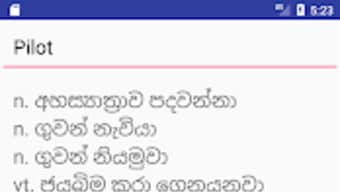
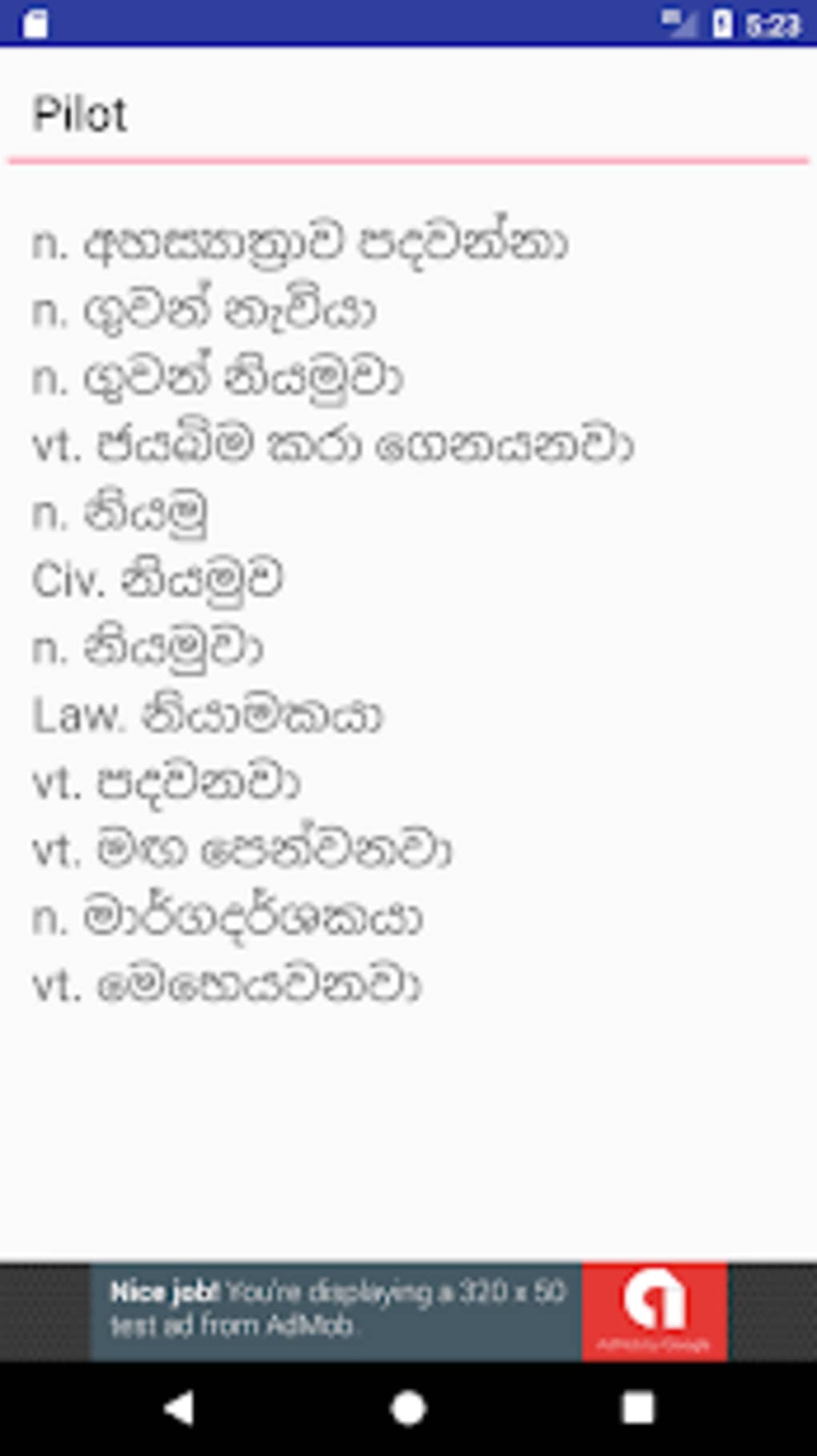
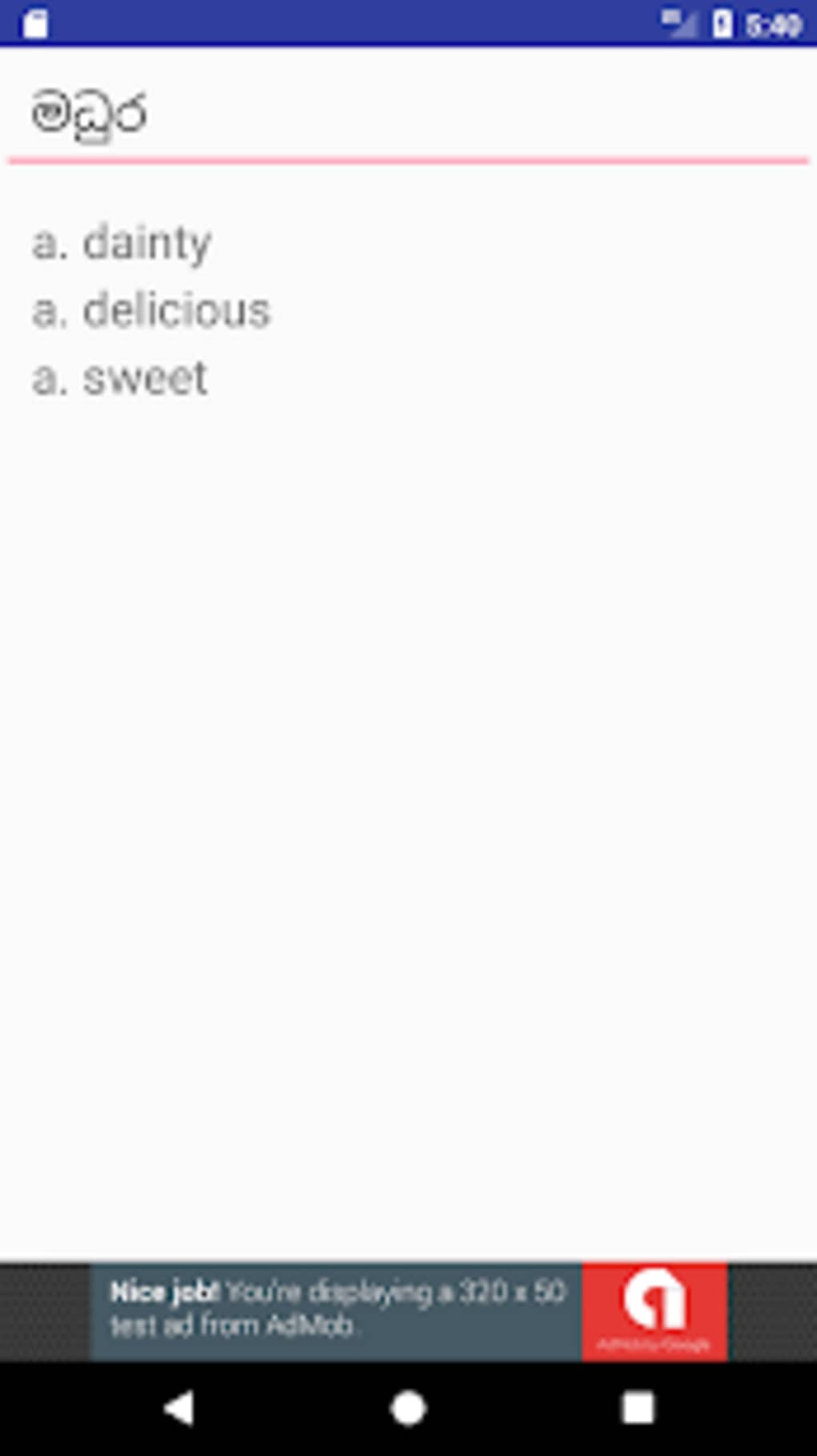
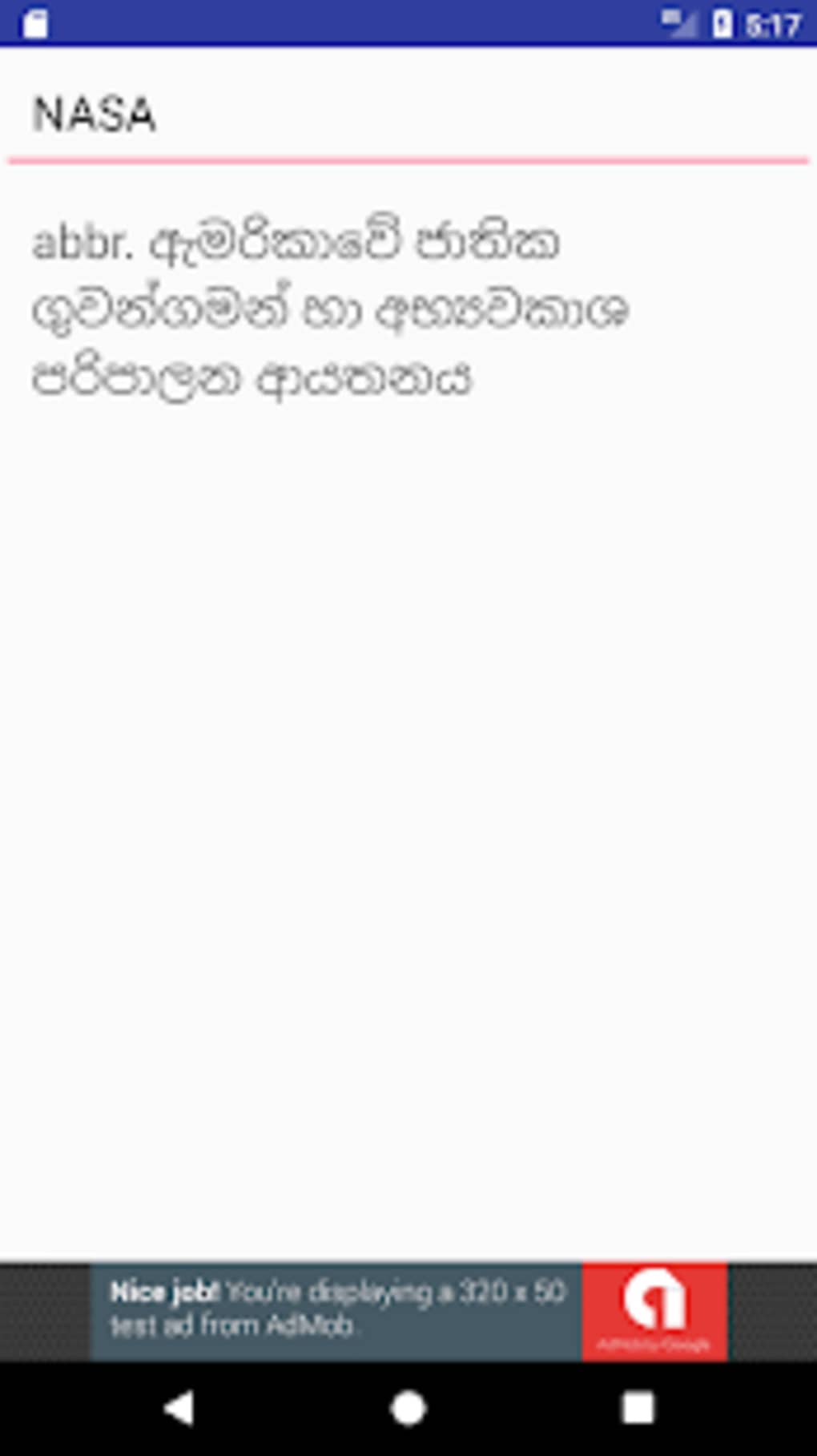
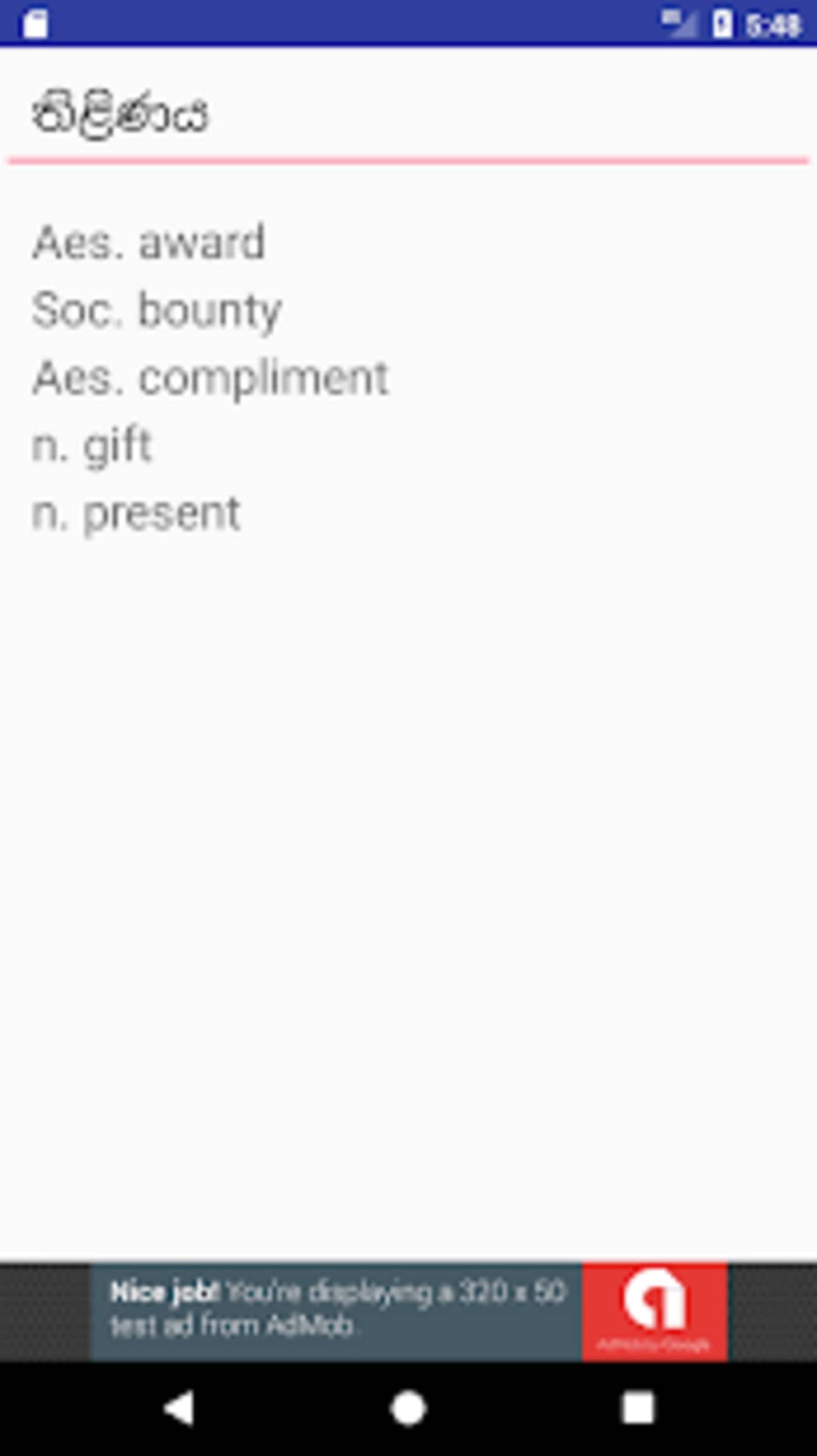
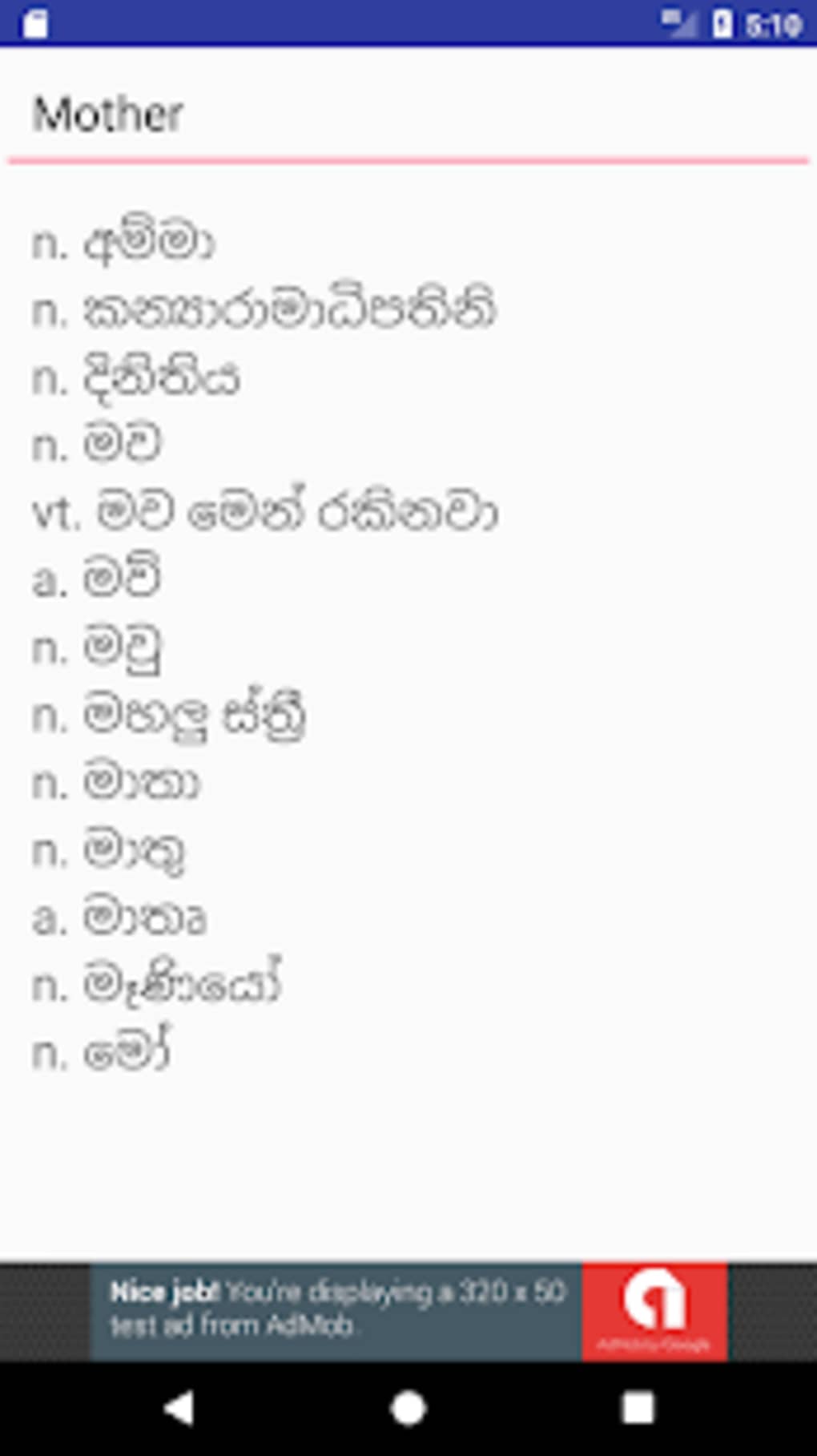
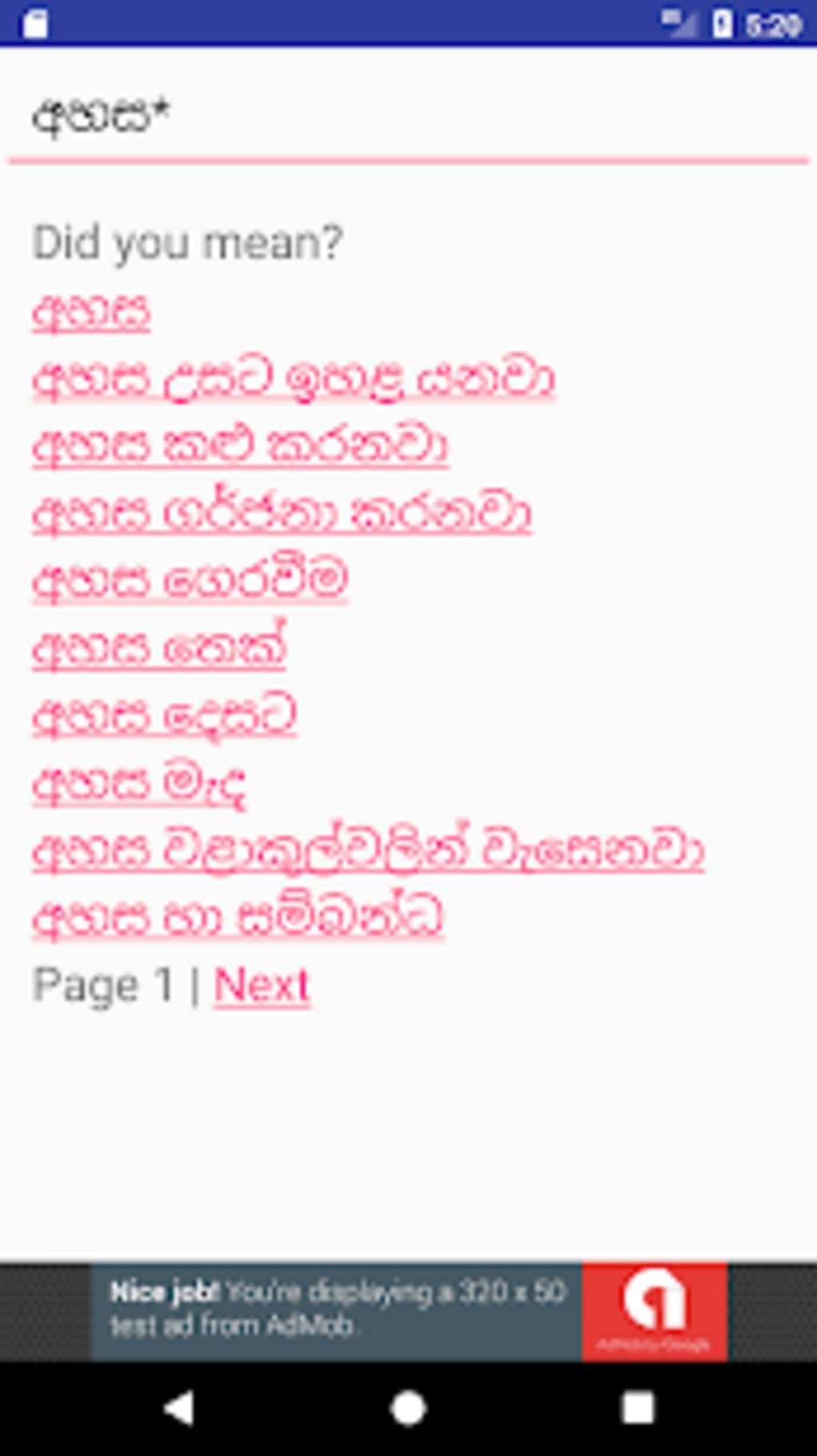
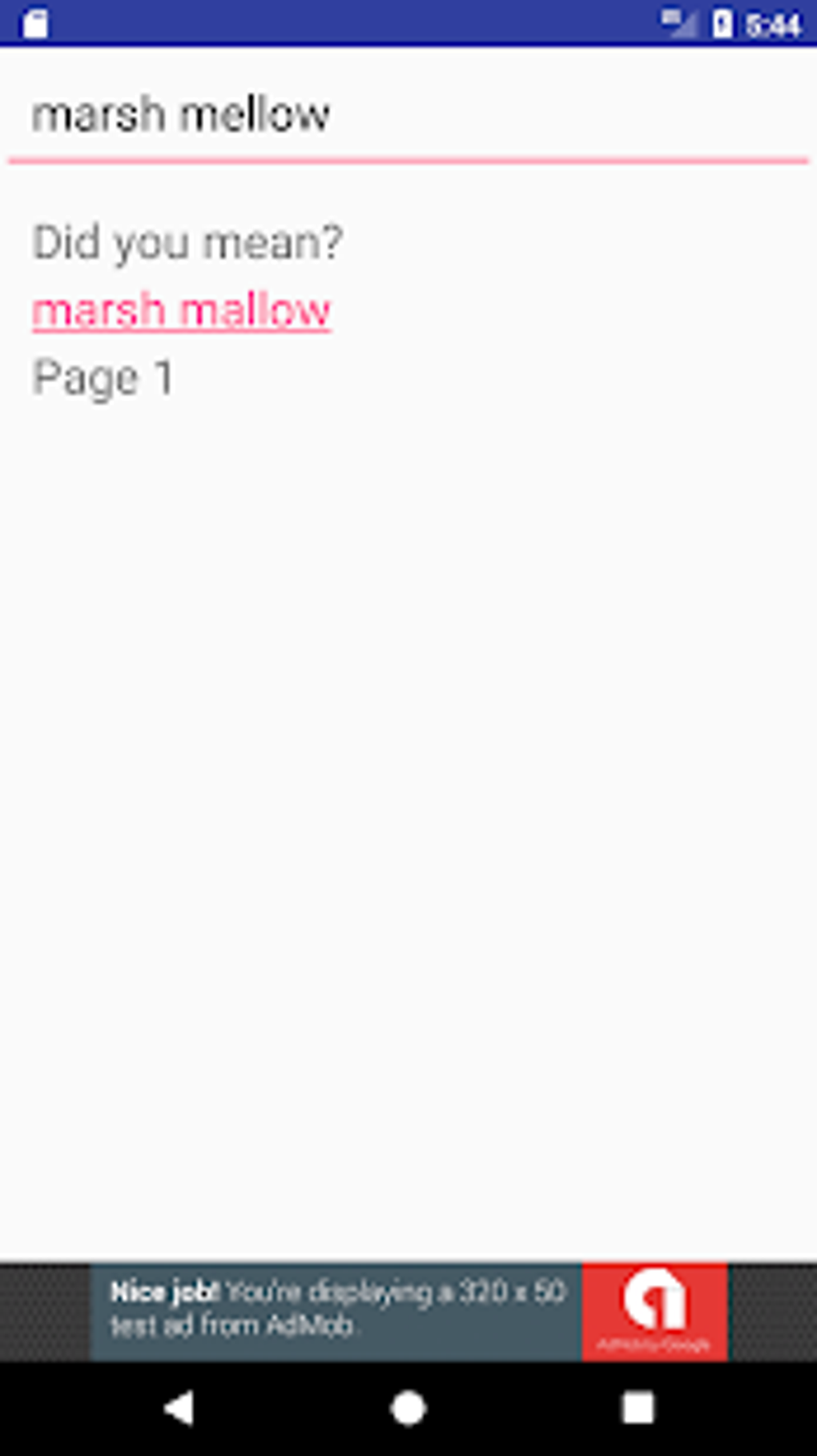
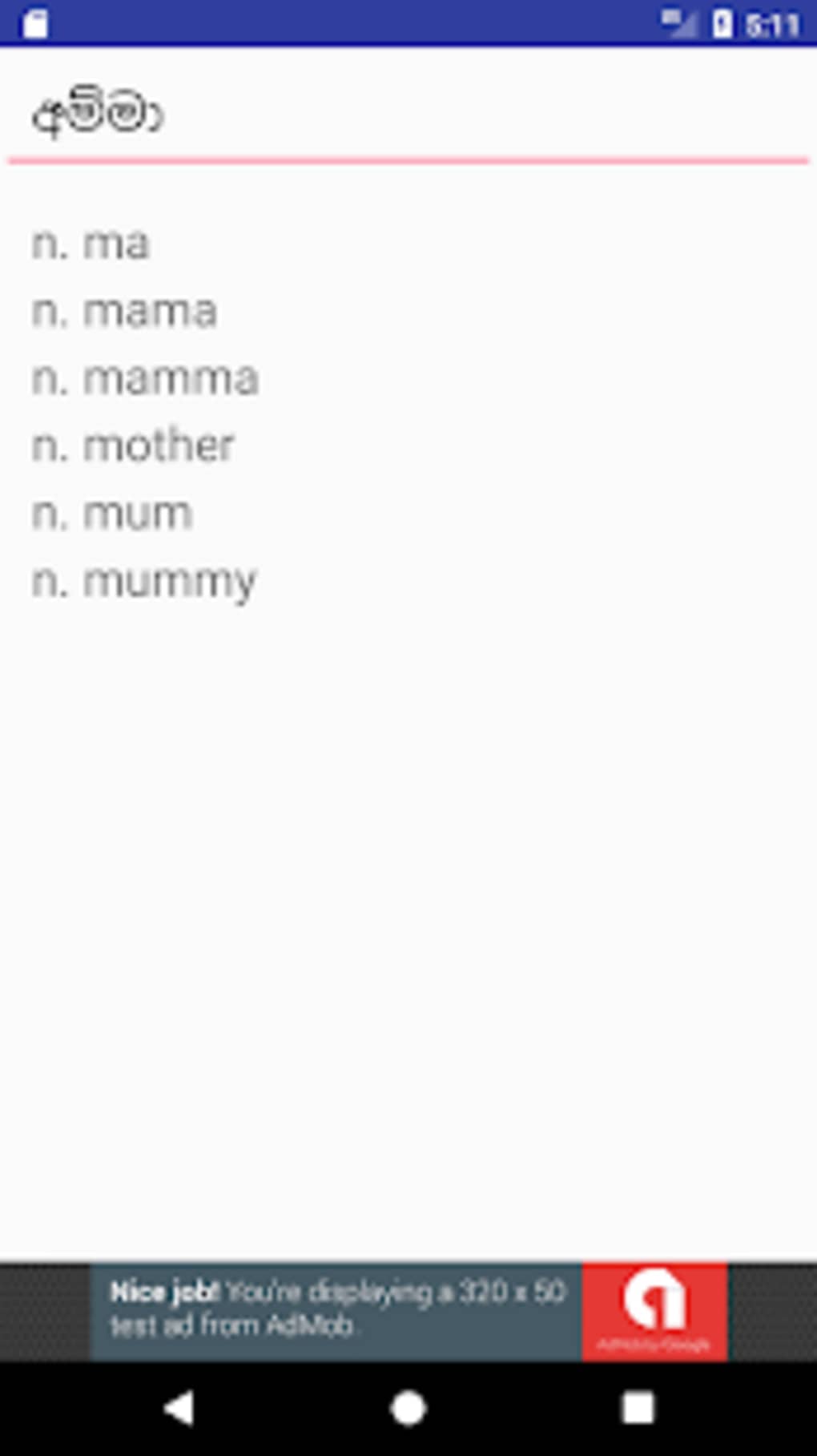
The user interface of Madura Online is described as simple and easy to use, reflecting a design philosophy centered on accessibility and minimalism. Navigation appears to be straightforward, with a primary search bar likely positioned at the top of the screen, allowing users to enter a word in either Sinhala or English. Results are expected to display in a clean, readable format, with the target language translation clearly presented. The workflow is optimized for quick lookup, minimizing steps between input and output. Users can expect immediate responses when searching for words, especially given the app’s relatively small file size of 4.5 MB. However, exact performance details were not specified. The developer did not provide information on CPU or RAM usage, so real-world behavior in terms of speed, responsiveness, or battery consumption remains unverified. Stability is assumed to be adequate for basic dictionary operations, but no formal testing data was shared. The app’s lightweight nature suggests it should run smoothly on most Android devices, even older models. The absence of multimedia elements or complex animations further supports efficient performance. While no user feedback or crash reports were provided, the app’s design implies a focus on reliability and consistent operation under normal usage conditions.
Compatibility & System Requirements
Madura Online is designed for Android devices, with the current version being 1.0. The installation size is 4.5 MB, indicating a minimal footprint that is suitable for devices with limited storage. This small file size suggests compatibility with a wide range of Android smartphones and tablets, including entry-level models. The developer did not specify the minimum Android version required for installation, nor did they list hardware requirements such as RAM or processor specifications. As a result, exact compatibility details are limited. Users are advised to ensure their device runs a version of Android that supports the APK format, which typically includes most devices released in the last decade. The app is intended for use on mobile devices, and no desktop or tablet-specific optimizations were mentioned. The lack of detailed system requirements means that installation and operation may vary depending on the device’s configuration. The developer did not indicate whether the app supports multiple screen sizes or adaptive layouts. General software behavior patterns suggest it should function across standard Android screen resolutions, but this remains unconfirmed.
Pros and Cons
Pros
- Over 230,000 definitions covering both Sinhala and English
- Includes technical terms from law, science, engineering, and art
- Simple and user-friendly interface
- Offline functionality for use without internet access
- Free to download and use with no hidden costs
- Lightweight at just 4.5 MB
Cons
- Exact system requirements not specified by the developer
- No information on pronunciation or audio features
- Missing details on update frequency or future development plans
- Limited to Android platform, no support for iOS or desktop
- No indication of support for multiple languages beyond Sinhala and English
FAQ Section
Is Madura Online available for iOS devices?
The app is currently designed for Android only. There is no official version available for iOS devices at this time.
Can I use Madura Online without an internet connection?
Yes, the app supports offline usage. Once installed, you can access the dictionary without requiring an internet connection.
Is the app safe to download and install?
Madura Online is free to download and appears to be a legitimate educational tool. However, users should only download the APK from trusted sources to avoid potential security risks.
How often is the app updated?
The developer did not provide information about update frequency or release schedules.
Does the app include pronunciation guides or example sentences?
The available information does not mention audio features or example usage. The app focuses on providing word definitions without additional linguistic aids.
Final Thoughts + CTA
Madura Online stands out as a practical and accessible tool for anyone seeking to learn or translate between Sinhala and English. With a vast database of over 230,000 entries and coverage of technical terminology, it goes beyond basic vocabulary to serve academic and professional needs. Its simple interface, offline functionality, and free access make it a strong choice for students, educators, and language enthusiasts. While the lack of detailed system requirements and missing features like pronunciation support are notable limitations, the app’s core functionality remains robust and focused. For users in Sri Lanka or those engaging with Sinhala-speaking communities, this dictionary offers a reliable, lightweight solution. The absence of ads or in-app purchases further enhances its appeal. Overall, Madura Online delivers on its promise as a free, efficient, and functional dictionary app. Download Madura Online now.
Guides & Tutorials for Madura Online APK
How to install Madura Online APK
- Click the Preview / Download button above.
- Once redirected, accept the terms and click Install.
- Wait for the Madura Online APK download to finish on your device.
How to use Madura Online APK
This software is primarily used for its core features described above. Open the app after installation to explore its capabilities.
User Reviews for Madura Online APK 0
No reviews found





